
How to Search Cases by Name
Start at the Bastrop County Case Records Search. Pick Criminal Case Records for the felony, misdemeanor, and citation records it exposes. Pick Civil, Family & Probate Case Records for those case groups. In a criminal search, Defendant mode fits a person and Business fits an entity. Names can still fail, though. Spelling slips, initials, hyphens, name changes, or a missing middle name can all hide a match.
- Choose the correct criminal or civil, family, and probate route from the Odyssey landing page.
- Select the name-based search mode, then enter the last and first name as the record is likely to show it.
- Decide whether Soundex should broaden the match or Exact Name should narrow it.
- Use court, status, or filed-date limits with care. Save the filters used.
- Open the blue case-number link for a plausible match and compare the court, filed date, type, and party role.
- Contact the responsible clerk if no match appears or the needed record is not exposed online.
The inspected criminal form provides this field set:
| Field label | Type | Required | Use |
|---|---|---|---|
| Last Name | Text | Yes in person-name mode | Primary surname match |
| First Name | Text | Yes in person-name mode | Given-name match |
| Middle Name | Text | No | Narrows similar names |
| Soundex / Exact Name | Checkbox | No | Broadens phonetic matches or requires exact parts |
| Case Status | Dropdown | No | All, Open, or Closed |
| Date Filed | Date range | No | On or After and On or Before |
Bastrop County Odyssey Entry Points
The local portal splits criminal records from civil, family, and probate records. It also adds the court calendar. Its landing page offers All Courts as well. That does not mean each office holds each file. District felony and major civil or family records route to the District Clerk. County Court at Law misdemeanor and probate records route to the County Clerk. Justice and municipal matters still depend on the precinct or city clerk. The official Odyssey landing page shows all three routes in one place.
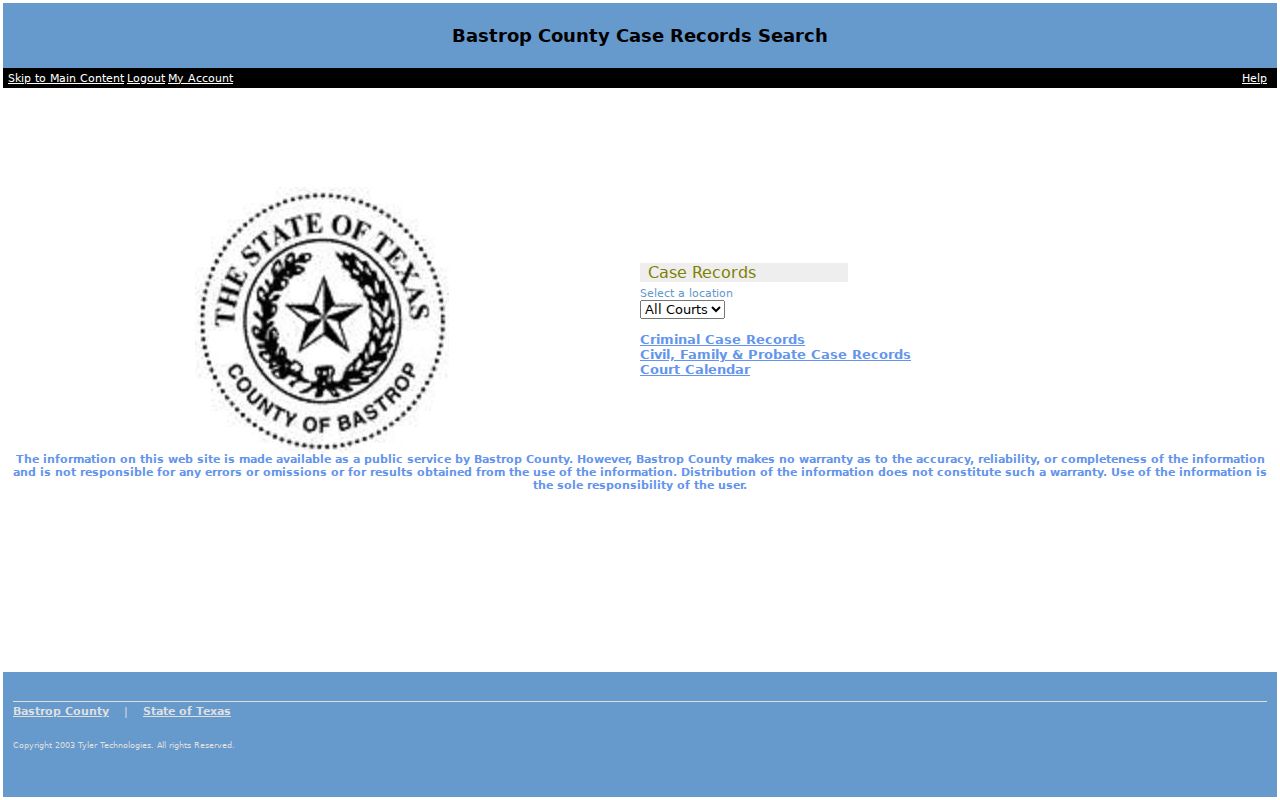
That official page helps a searcher pick the correct record group before entering a name or number. It does not promise that each filing image is public or online.
How to Search by Case Number
A case number beats a name for precision. Select Case. Type the full number as displayed, and keep every punctuation mark and leading zero. The Odyssey case field takes up to 30 characters. Bastrop County courts do not share one universal number pattern. Never force a district, county, JP, and municipal record into a made-up format. Follow copy exactly as shown and take the real number from the citation, notice, pleading, or clerk record.
When asking a clerk for a Bastrop County case lookup, pair the exact number with the assigned court and a date range. A number from one city court may not identify a district case. If the search fails, confirm Case mode was selected and no character was lost.
Bastrop County Criminal Search Controls
The Odyssey criminal search offers Case, Defendant, Citation, and Attorney modes. Defendant mode covers a person or a business. Attorney mode accepts a name or bar number. Sort choices include case number, filed date, reverse filed date, status, and defendant name. Sorting changes only the review order, never the case itself. The official form image shows the real search controls. It does so without exposing a private person's data.
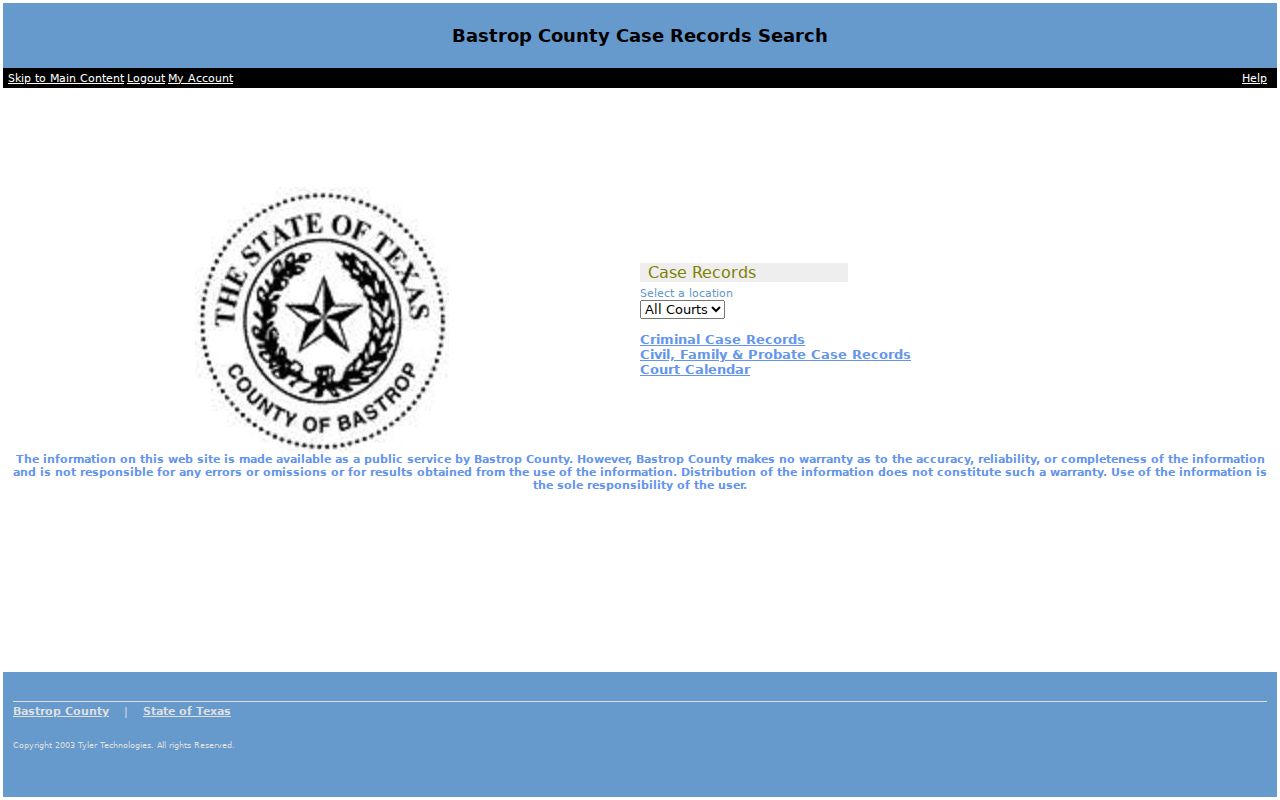
The form also offers optional birth-date and driver's-license fields to separate similar names. Use them only when authorized, and never republish the values.
What a Case Search Shows
A Bastrop County case search can return a case index plus event or document links. The portal decides what it exposes. Read each field for what it actually is. A party name is not proof of fault or guilt. Open and Closed are portal status labels, not full accounts of how a matter ended. A document link may lead to an image, an event, or another view. Availability varies.
| Case number | The court's exact identifier for follow-up and record requests. |
|---|---|
| Court | The assigned district, county, justice, probate, or municipal court. |
| Case type | A broad criminal, civil, family, probate, mental-health, or other classification. |
| Filed date | The date the case or filing entered the system, not always the date of the underlying event. |
| Party or defendant | A role in the case, not a finding on the merits. |
| Status | An Open or Closed portal label that requires docket context. |
| Events and documents | Filings, service, motions, orders, settings, judgments, or images when public and available. |
For a search you will repeat, jot down the date, search mode, spelling, filters, sort order, and result count so the docket lookup stays consistent.
Bastrop County Soundex and Exact Name
The criminal search checks Soundex by default. It broadens a search through phonetic matching, so spellings that sound alike may join the result set. Exact Name narrows the last, first, and middle-name parts. Neither setting wins every time. A broad result may pull in unrelated names. An exact result may miss a record filed with an initial or a variant spelling.
Start broad enough to test the likely name. Note whether Soundex was on. If results flood in, add a first name. A sound date range, a court, or Exact Name helps too. If nothing appears, drop a narrow filter before concluding the Bastrop County case is absent. For duplicate names, compare lawful fields such as court, filed date, type, and party role. Only then turn to an authorized identity field.
Bastrop County Citation Search Fallback
For a JP1 citation, the official workflow begins in Criminal Case Records. Change Search By to Citation and enter the citation number exactly as printed. If nothing comes back, return to the form. Select Defendant and enter the requested personal details. Then open the blue case-number result. A missing citation may simply not have been filed yet.
No citation result? JP1 says to follow up weekly because filing may lag behind the printed citation.
If the record remains absent two days before the original appearance date, call JP1 at (512) 581-4258 for current instructions.
This fallback belongs to the documented JP1 process only. A Bastrop, Elgin, or Smithville city citation should go to that municipal court's own clerk and process.
Bastrop County Civil Search Limits
The Civil, Family & Probate Case Records entry point identifies the correct local category. Use the live form and read its current controls. Not every filing appears there. Family papers, probate exhibits, and mental-health records can be missing too. Treat the portal as a starting point, not the whole court file. The official entry image confirms the separate civil route.
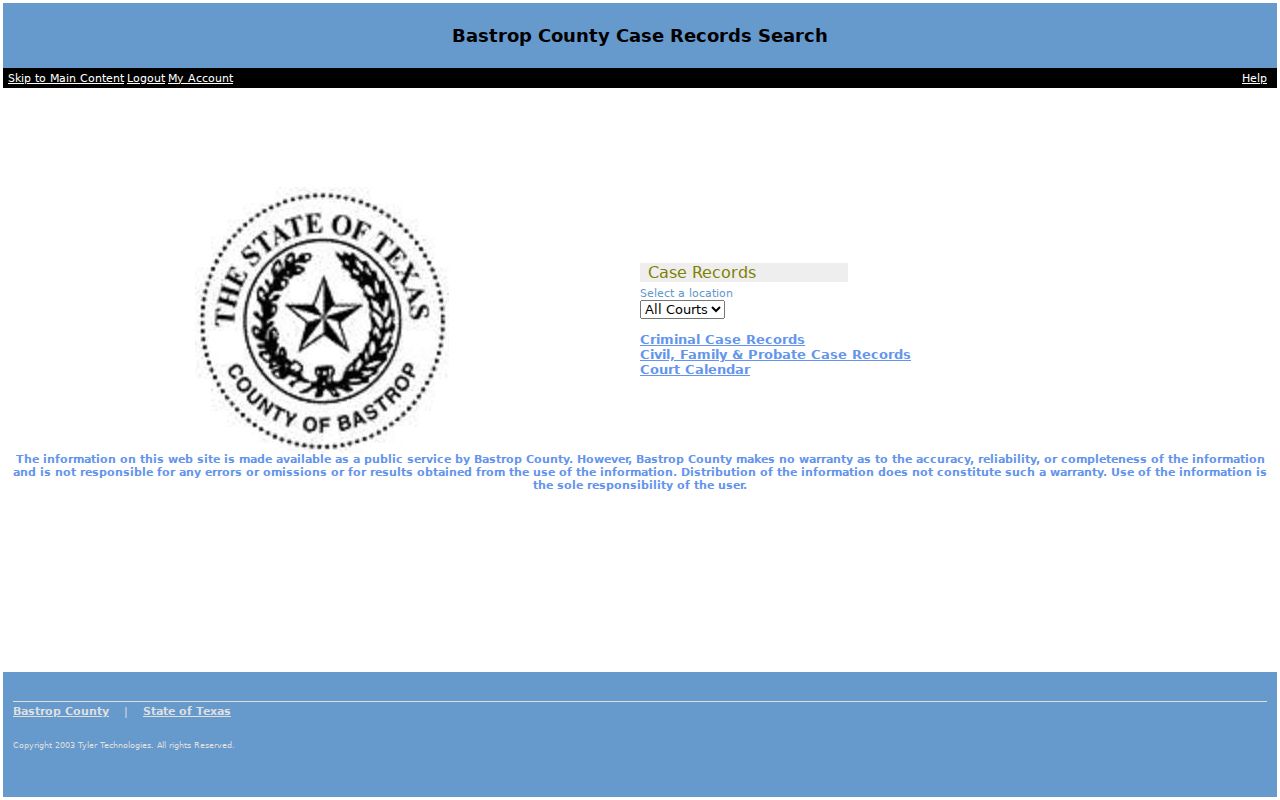
What you pull up may be just a case shell. A party name, a filed document, or an attachment can stay restricted even when the docket entry itself is visible. When you need a certified copy, go to the District Clerk or the County Clerk that actually holds the file.
County vs Statewide Case Search
Bastrop County has two search layers, and they answer different questions. Odyssey covers county cases. Use it for local records and court calendars. re:SearchTX works differently. It is a statewide electronic case-record system, built mainly for registered users and attorneys. Then there is eFileTexas, which exists to send filings to courts. It does not display historical dockets. A receipt from it proves a filing was sent. It does not show the document is open to public view.
| System | Role | Best use |
|---|---|---|
| Bastrop Odyssey | Local public case and calendar portal | A known Bastrop County case, citation, name, or setting |
| re:SearchTX | Registered statewide electronic records layer | A state-level search across participating records |
| eFileTexas | Electronic filing system | Sending an authorized filing, not browsing old dockets |
Federal cases run on a separate track entirely. PACER and CM/ECF handle them through the Austin Division of the Western District of Texas. Neither system mirrors local state court records, so do not expect a second copy of a Bastrop County docket there.
Bastrop County Missing Case Routes
When an online lookup comes up empty, the fix is usually routing, not luck. Bastrop County splits its docket by court. The right clerk matters. District felonies, civil suits, and family cases sit with the District Clerk. The counter is on the first floor of the courthouse annex at 804 Pecan Street. The phone is (512) 332-7244. County Court at Law misdemeanors and probate records belong to the County Clerk at 803 Pine Street. Call (512) 332-7234. Both clerks also accept mail at their published post-office addresses. Justice-court cases go through the JP clerk for that precinct. Municipal citations go through the city clerk that issued them. The four-precinct JP directory points you to the right office.
- Retype the exact case or citation number and keep punctuation.
- Try the correct name or business mode and review Soundex or Exact Name.
- Remove a filed-date range that may be too narrow.
- Confirm that the matter belongs in the selected criminal or civil record group.
- Ask the custodian about paper, older, protected, or not-yet-indexed records.
A portal capture shows what the form displayed on one date. It does not prove the docket looks the same today.
Bastrop County Case Status Terms
Portal labels carry weight, so read these status terms carefully before describing a Bastrop County case.
- Filed date
- The system date tied to case opening or an accepted filing, not always the event date.
- Open
- A portal status that does not state the next setting or merits.
- Closed
- A portal status that does not reveal whether the matter ended by judgment, dismissal, plea, transfer, or another route.
- Sort order
- The display order of results; it does not change record content.
- Disposition
- A recorded outcome that should be read with the actual docket entry and judgment.
A case marked Closed is not sealed, expunged, or nondisclosed. Those terms describe separate legal or access conditions.
Restricted Cases and Access Rules
Not every court record is public. Juvenile, adoption, guardianship, mental-health, victim, expunction, and nondisclosure files, plus certain family details, may be sealed, kept confidential, redacted, or withheld by law. The rules behind these limits are specific. Texas Rule of Judicial Administration 12 controls judicial-record access. Texas Rule of Civil Procedure 76a governs sealing. Rule 21c requires sensitive data to be redacted. Texas Family Code Chapter 58 adds protections for juveniles. You might find a case by its number yet see almost nothing about the parties or papers. An event can show up in the index while its image stays blocked. A name search that returns nothing could mean a restriction. So could an indexing gap. A different spelling or the wrong court may explain it too. Never try to work around an access limit. Instead, ask the office that holds the record. Ask which law or order applies and what request route it allows.
Bastrop County Result Verification
Read the portal disclaimer before trusting what you see. The county states it does not warrant accuracy, reliability, or completeness. It also bears no responsibility for errors or omissions. That does not make the Bastrop County case lookup worthless. It just tells you the next step. Use the index to pin down the court and case number. Then confirm any key date, order, disposition, or document with the clerk or the court that created it. A certified copy comes from the clerk, not from a printed search screen. Need an order or judgment? Request that exact item by name and filing date. Do not ask for the full file. The Bastrop County court record search page lays out the document-request routes and each clerk's role. One last caution. Leave private identifiers out of notes and shared copies. Do this even when an authorized view displays them.